

A lightweight, interactive AnimePahe downloader and command-line tool to search and batch-download anime from AnimePahe with multi-threaded speed.
This tool interacts with content hosted on third-party websites. Users are responsible for complying with all applicable local and international laws and the terms of service of the content providers.
The creators and maintainers of this tool do not condone or encourage any unauthorized use.
1-12).The application is provided as a single executable file (Pahe-DL-Linux or Pahe-DL-Windows.exe).
Install with one command Android Termux and Linux
curl -fsSL https://raw.githubusercontent.com/HashShin/Pahe-DL/main/script/install.sh | sh
Windows
Open the Pahe-DL.exe file.
Android/Linux
Open your command line and run the program from its directory:
./Pahe-DL-linux
The program guides you through a simple step-by-step flow.
Type the anime name and press ENTER:
? Enter anime name to search: <your query>
Navigate with arrow keys and press ENTER:
? Select the anime:

> My Hero Academia (TV) (Airing)
> Hunter x Hunter (2011) (Finished)
> ...
Enter your preferred resolution:
? Enter desired quality (e.g., 1080p, 720p): 720p
Choose what episodes to download. Examples:
| Input | Downloads |
|---|---|
15 |
Only episode 15 |
1-12 |
Episodes 1 through 12 |
25- |
Episode 25 through last available |
? Enter episode range (e.g., 1-12, 5, 10-): 1-5
You’ll see real-time progress:
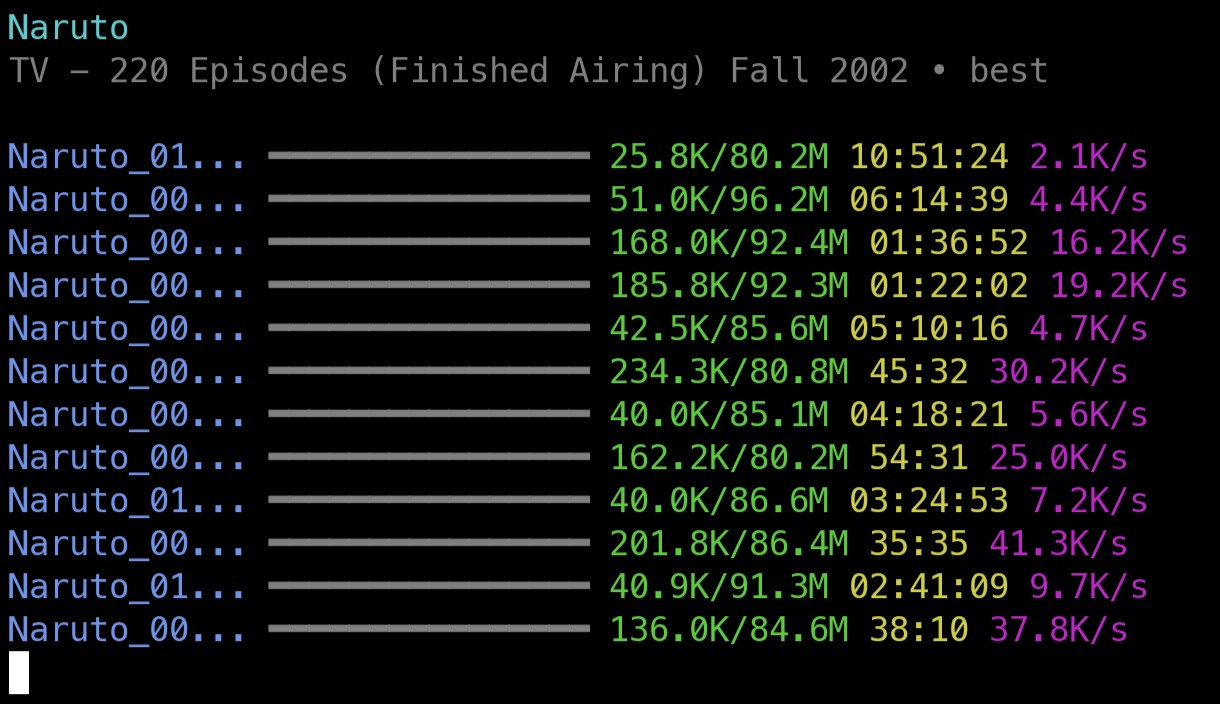
Files are automatically organized into a folder named after the anime and placed in the anime_download folder.
| Issue | Solution |
|---|---|
| Download is slow | Check internet speed; servers may also be slow. |
| Download fails/stops | Tool retries automatically; if persistent, the source may be down. |
| Quality not found | Falls back to next best available quality. |
| “Permission Denied” | Give execute permission (Linux): chmod +x ./Pahe-DL-linux |